Estimate concrete volume, bags, and waste without spreadsheet guesswork.
Use one field-ready concrete calculator app to estimate slabs, footings, walls, steps, driveways, and posts in cubic yards or m3, then save the job for reuse later.
Instead of forcing users through formulas, the app keeps attention on concrete volume, bag count, waste factor, and whether the estimate should be saved for the next repeat job.
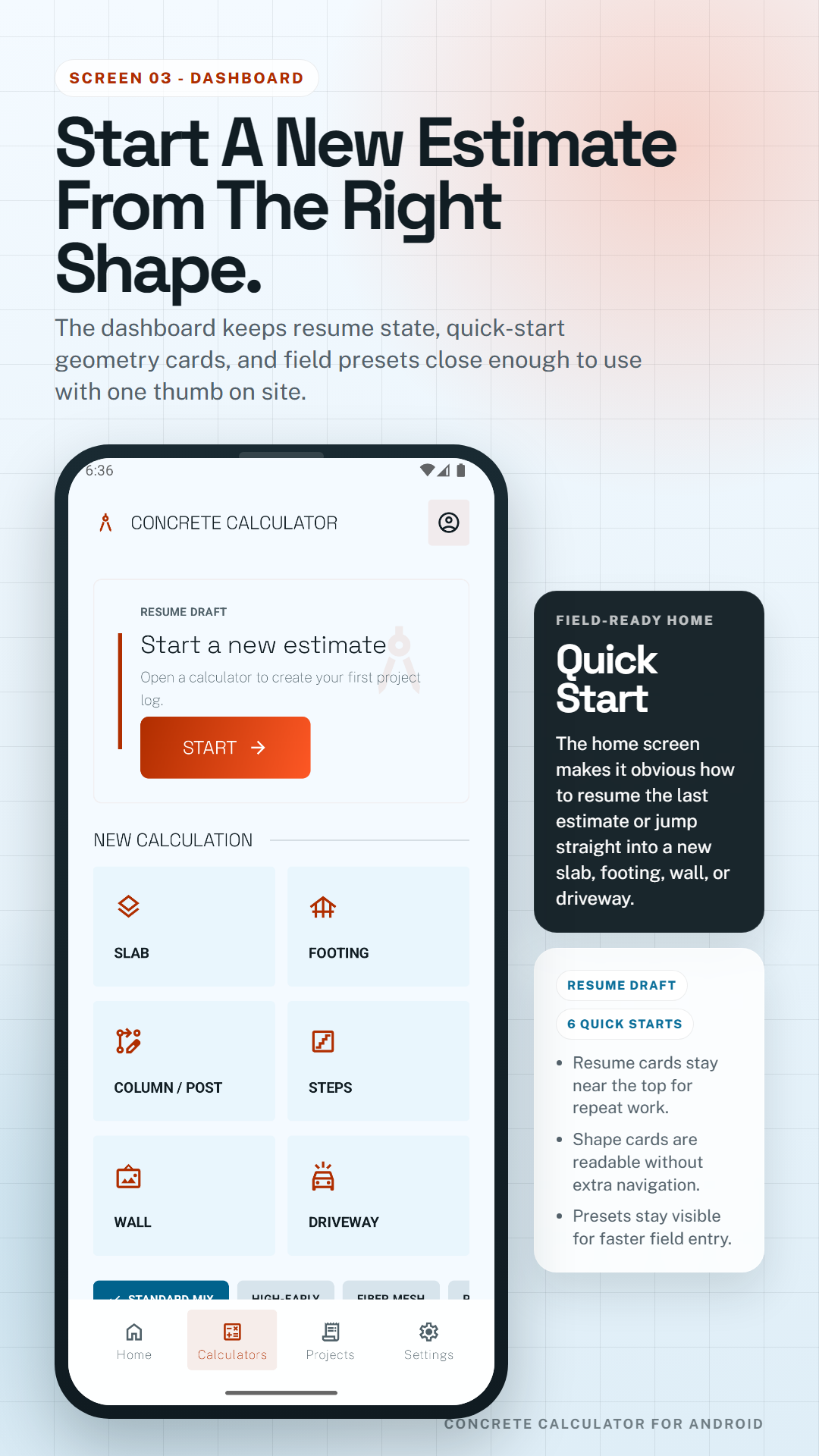
Choose slab, footing, wall, steps, driveway, or column and post flows so the input form matches the real pour instead of generic math.
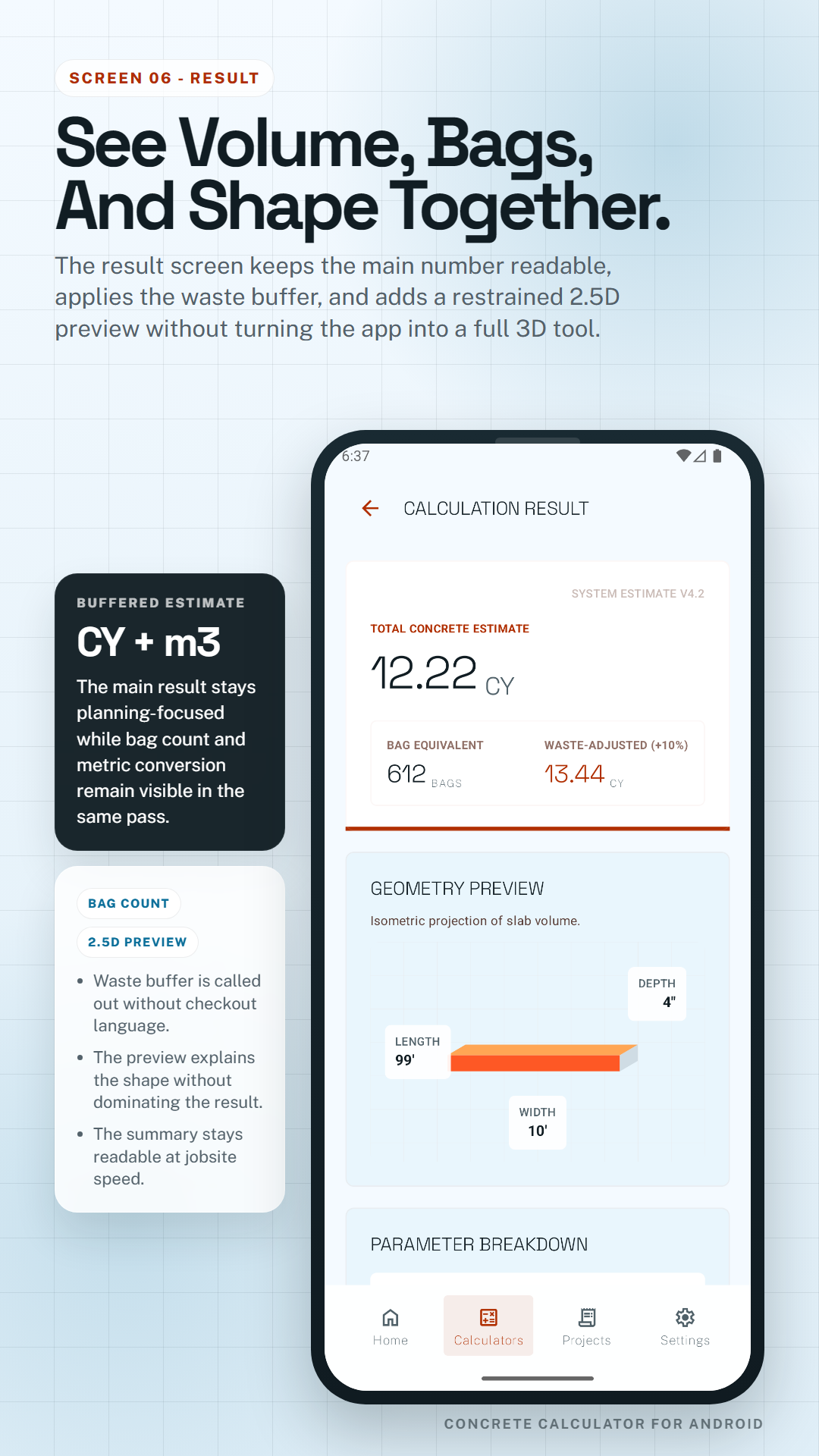
The result screen keeps the main estimate readable, shows bag equivalents, and adds a simple 2.5D preview to explain the geometry.
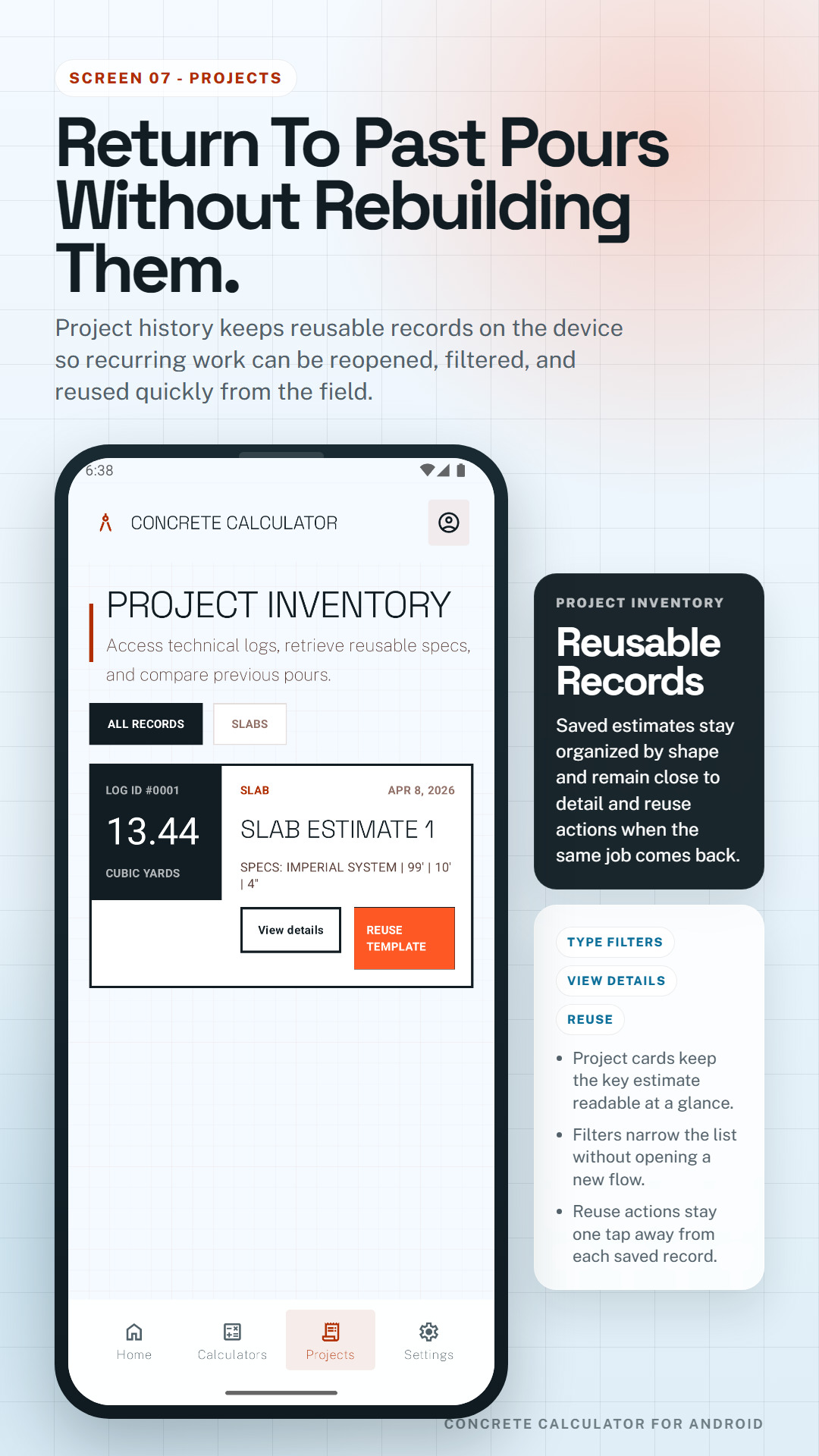
Keep project records on the device, reopen earlier estimates, compare two saved jobs, or duplicate a spec when the same work returns.
Use it on site, in the truck, or at home to plan concrete needs without a login wall or a supplier checkout flow getting in the way.
The strongest fit is any job where the user needs a fast concrete estimate, a bag count, and a safer waste-adjusted number before ordering or mixing.
Use the slab calculator when you need a clear concrete volume estimate for flatwork, shed bases, garage pads, and patio extensions.
Switch to footing or column and post workflows when the job needs deeper sections, drilled shafts, or structural base planning.
Estimate vertical sections, stepped pours, and long flat runs with geometry that stays closer to the actual job than a one-size-fits-all calculator.
Start with slab, footing, wall, steps, driveway, or column and post so the form matches the job instead of forcing generic math.
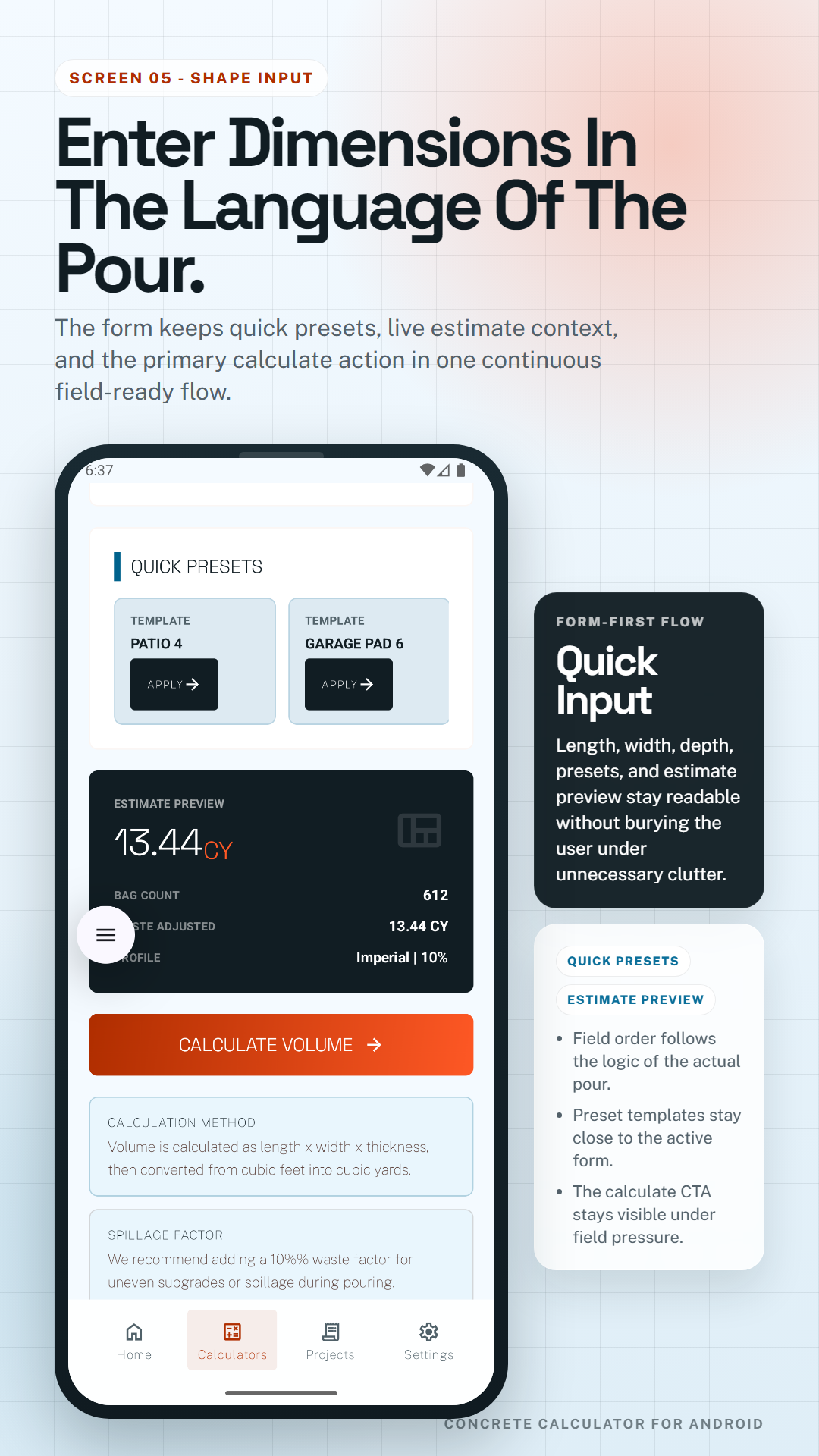
Use imperial or metric inputs, apply a waste preset, and get a planning-focused result with volume and bag count.
Check the result screen, preview the shape, then keep the estimate as a project record you can reopen, duplicate, or compare later.
This on-page demo uses a simple slab because it is the easiest way to show how concrete volume, bag count, and waste buffer work together. The Android app expands the same logic across all six shape workflows.
Enter length, width, and depth to estimate concrete volume. The slab format keeps the example simple, but the real app applies the same planning logic to footings, walls, steps, driveways, and posts.
Use a lower waste factor for clean forms and straightforward pours. Increase it when the dig is rough, the subgrade is uneven, or the job is more likely to lose material.
Bag count helps when the job is small enough for bagged concrete or when you need a rough equivalent beside cubic yards or cubic meters for planning.
Recommended estimate
3.26 yd3Estimate only. Includes a 10% buffer to help reduce short-pour risk.
Contractors and homeowners often think in different unit systems. A good concrete estimate should let you move between cubic yards and m3 without recalculating from scratch.
A waste buffer can help reduce short-pour risk when the ground is uneven, forms are imperfect, or the job is more complicated than a clean rectangle.
Bag count is especially useful on smaller pours, touch-up jobs, and quick planning conversations where users want a bag equivalent next to total volume.
If a crew repeats the same slab, footing, or driveway spec, saved projects make it faster to reopen, compare, and reuse work instead of rebuilding the estimate every time.
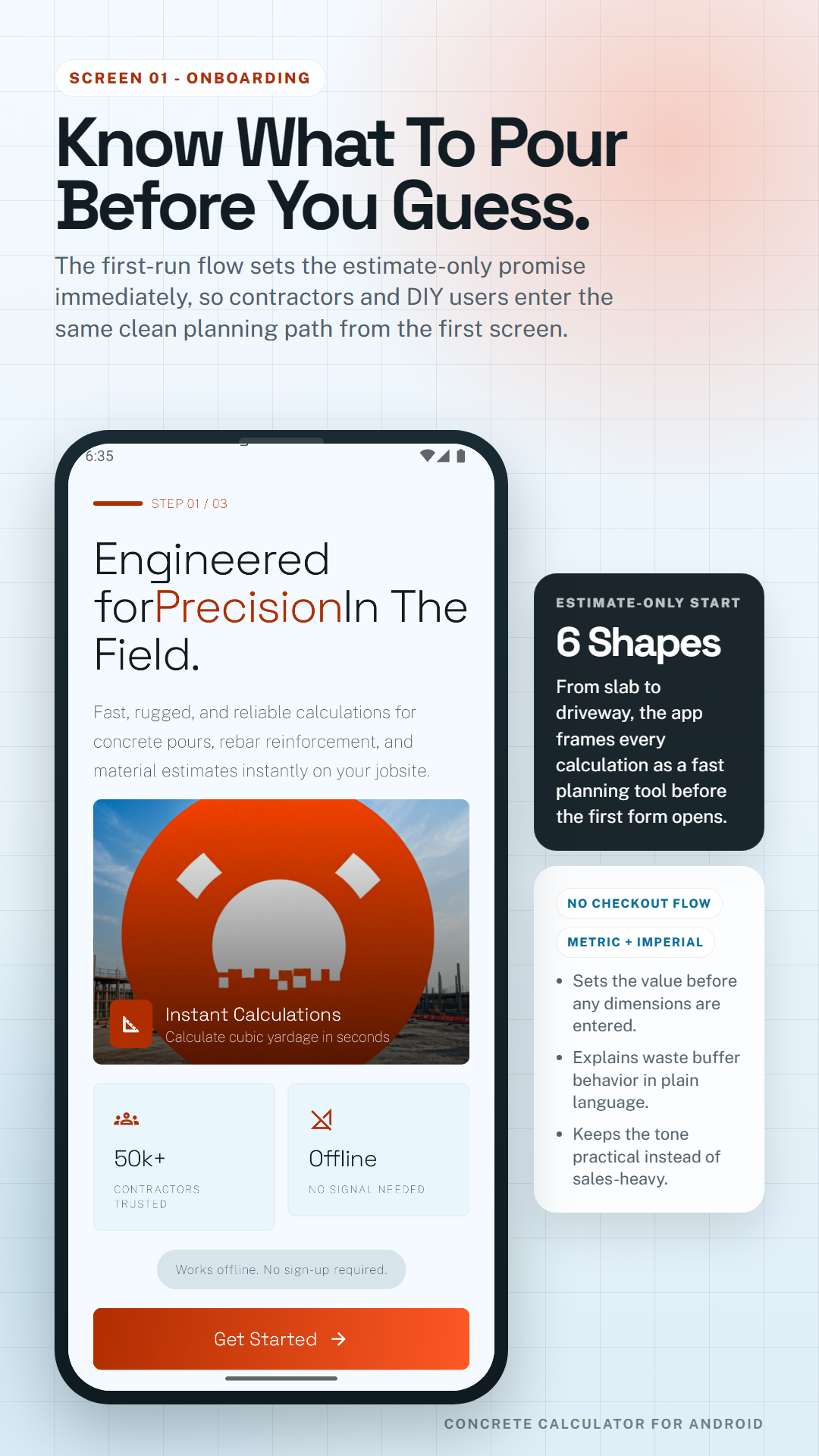
The first-run poster makes the product scope clear before the user touches a single dimension field.
The home screen keeps quick-start shapes, recent records, and resume state visible from the first tap.
Each shape flow keeps the same planning logic while matching the form and language of the actual pour.
The buffered result poster keeps the main number readable while still showing bag count and shape context.
Project history keeps reusable records close so repeat work can be reopened, compared, or reused faster.
Start with the shape of the pour, then enter dimensions such as length, width, depth, thickness, or height. The app converts those measurements into cubic yards or cubic meters depending on the selected unit system.
Bag count depends on the total volume and the bag yield you choose. Concrete Calculator shows bag equivalents beside the main estimate so smaller pours are easier to plan.
A lower waste factor works better for clean forms and predictable jobs. Rough digs, uneven subgrade, and more complex pours usually need a higher buffer to reduce short-pour risk.
Yes. The app supports slab, footing, column and post, steps, wall, and driveway workflows, so the geometry stays closer to the actual pour.
It is built for both. Contractors get faster repeat planning and saved projects, while DIY users get a simpler way to understand concrete volume, bag count, and waste buffer.
The core estimating workflow is designed to stay useful in weak-signal situations, so users can still plan on site without relying on a constant connection for the main calculation flow.